aiyu-ayaan/Findex
Findex
Findex is a modern Android file manager built with Jetpack Compose and Material 3 Expressive, featuring fluid animations, multi-tab browsing, storage analytics, archive tools, and privacy-focused performance.
- active
- Kotlin
- Other
- pushed today
// readmeaiyu-ayaan/Findex

Findex






A modern, native Android file explorer built with Jetpack Compose and Material 3 Expressive design. Findex combines fluid motion, expressive shape morphing, multi-tab multitasking, deep storage analytics, and powerful archive utilities into a fast, privacy-respecting file manager.
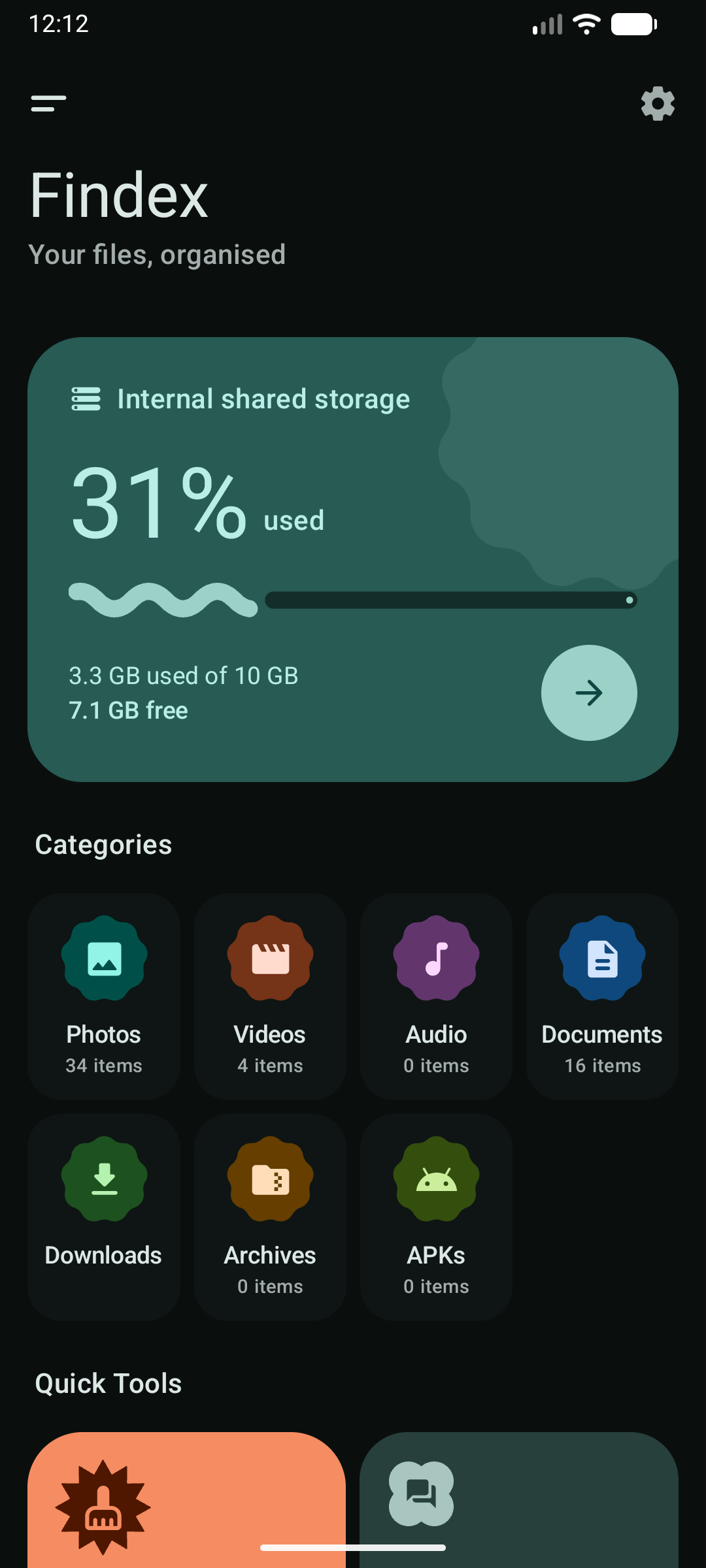
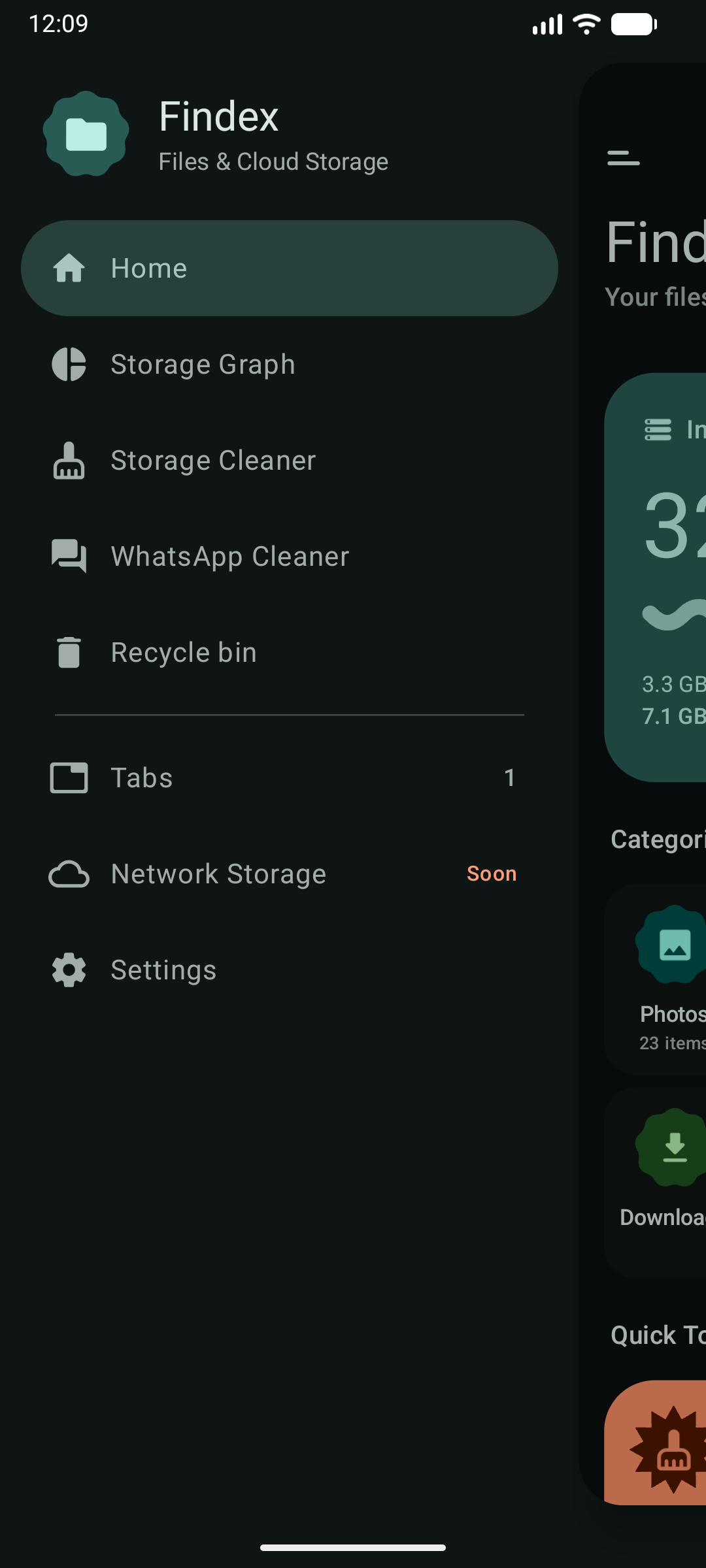
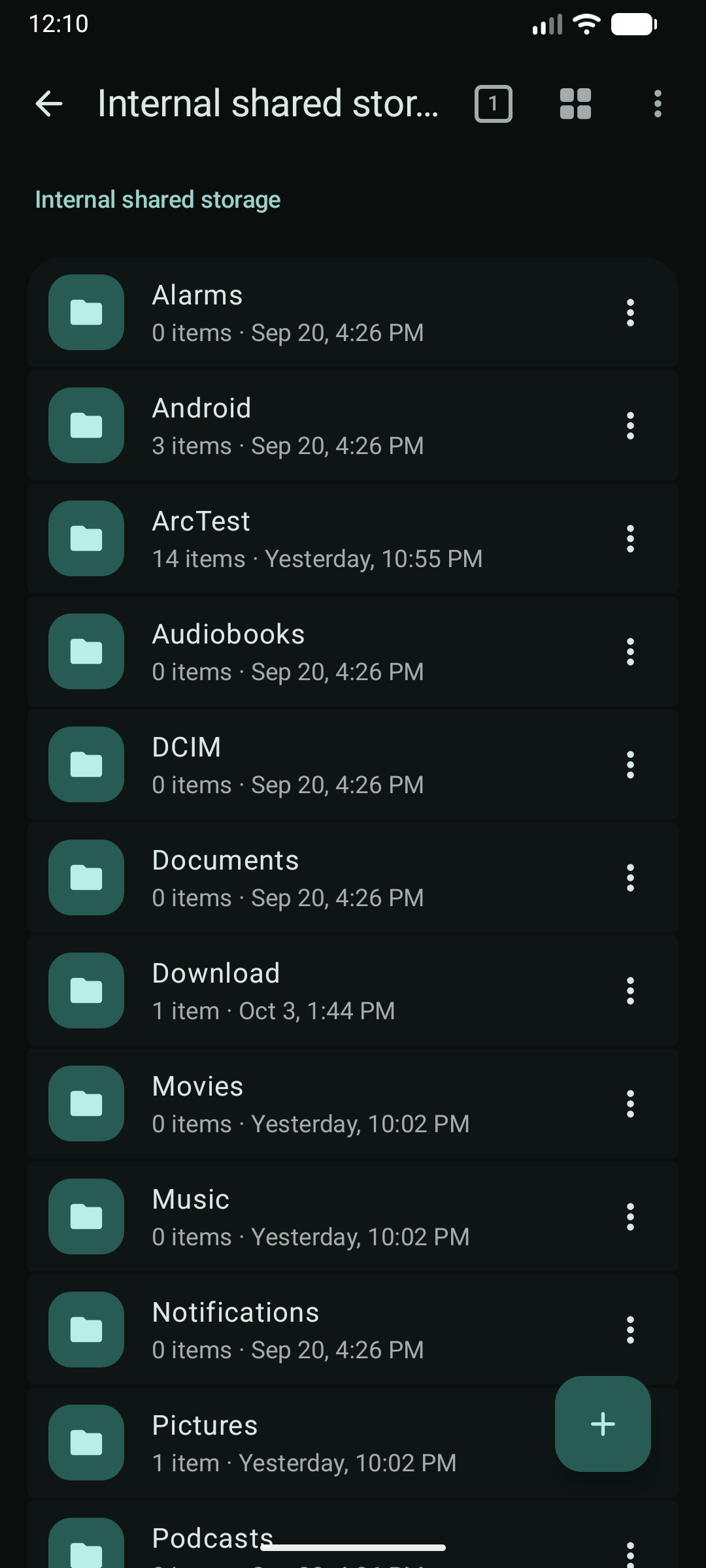
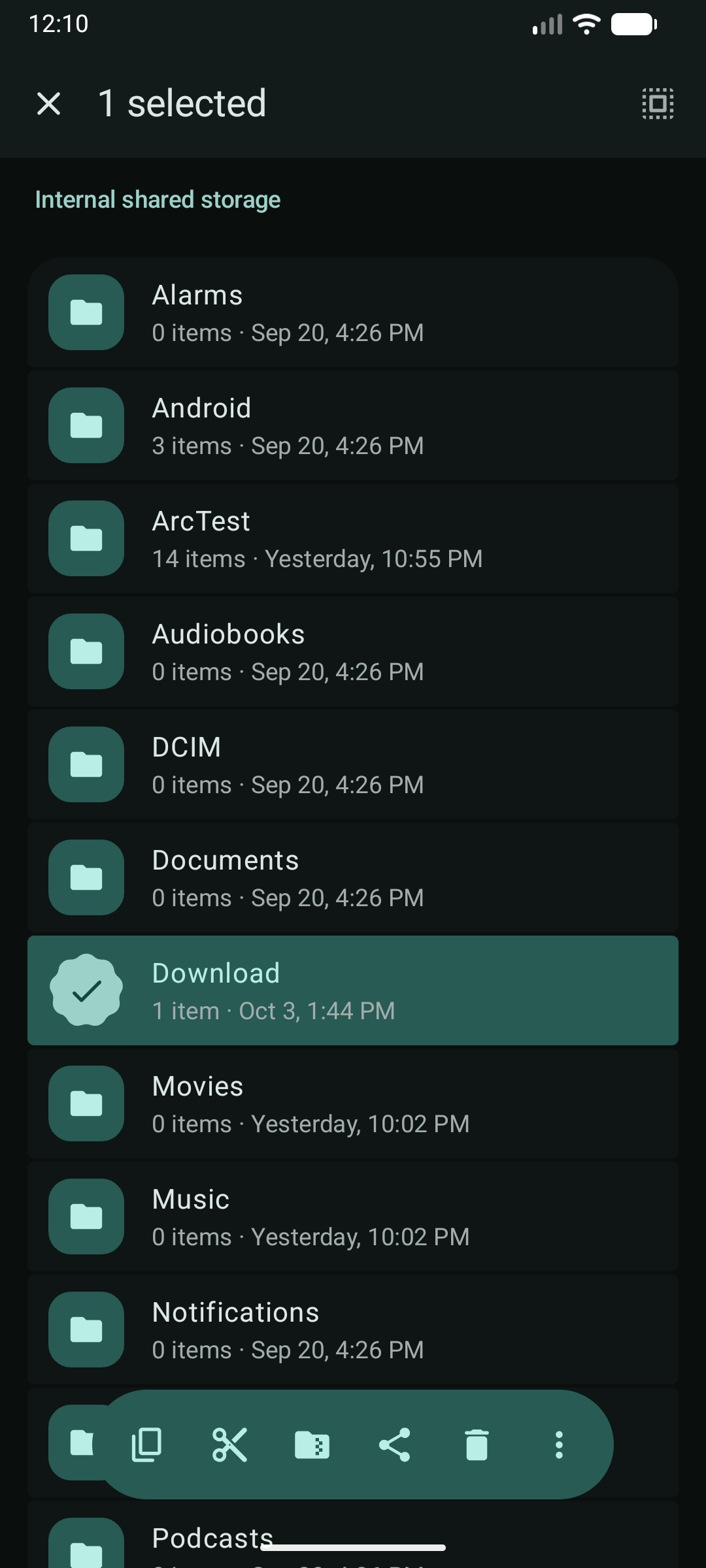
📸 Screenshots
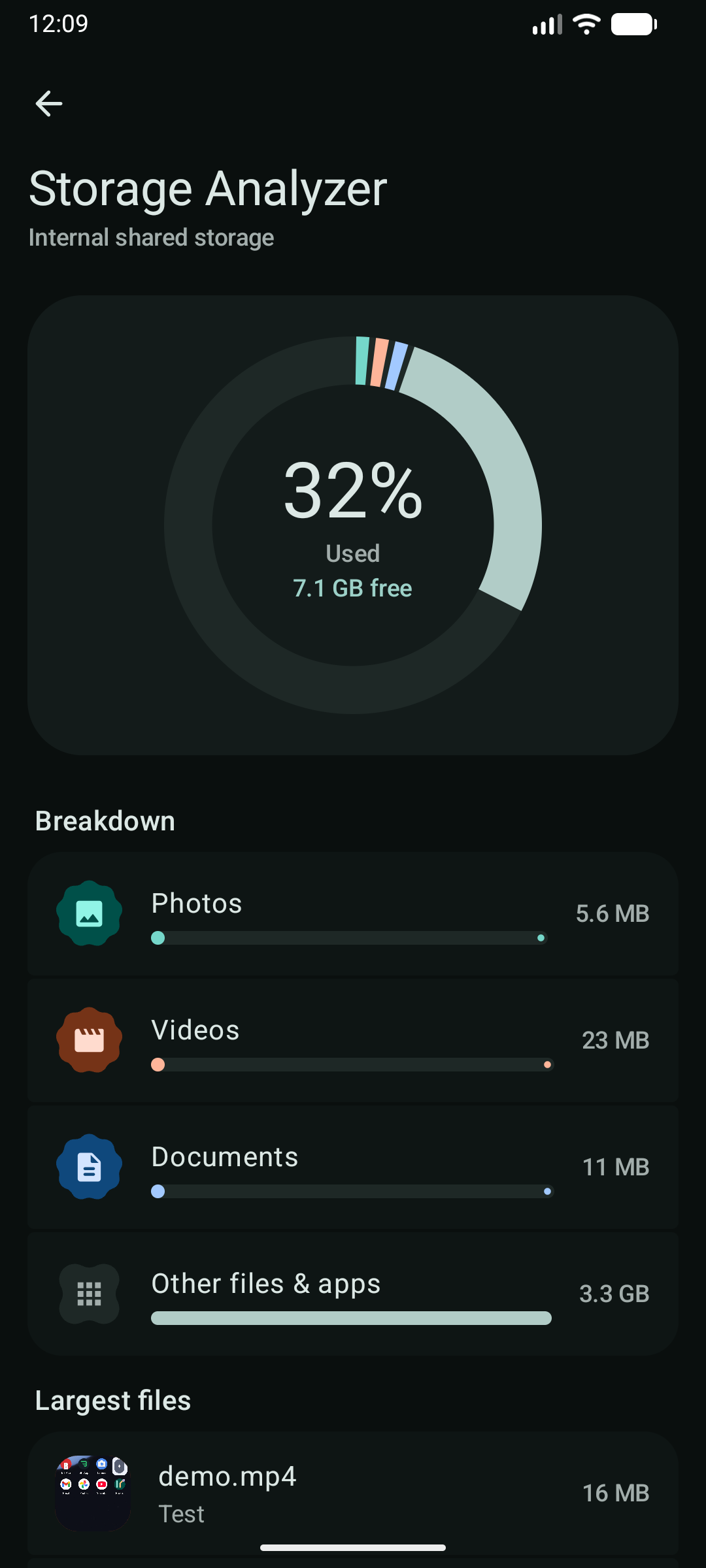
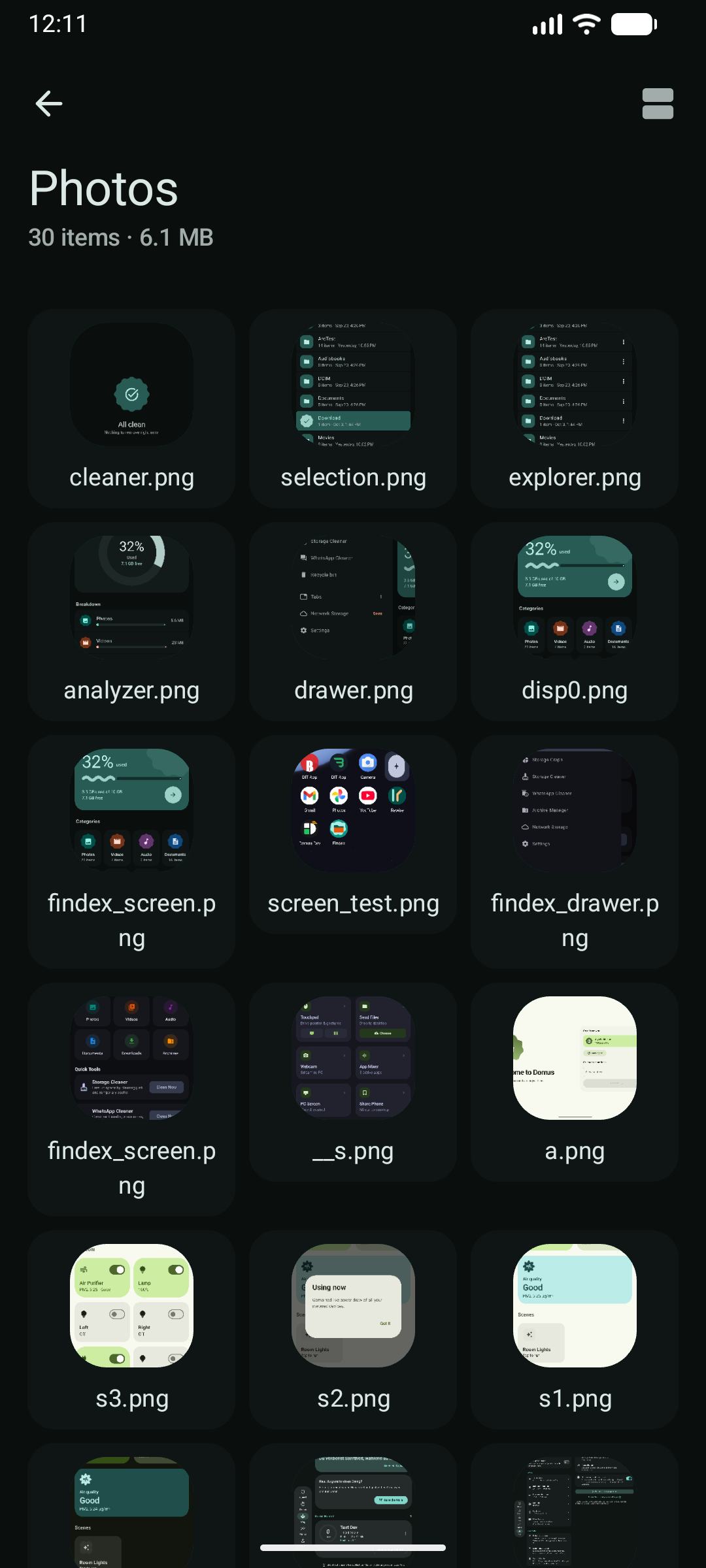
✨ Features
-
🎨 Material 3 Expressive
- Seed-tuned dynamic color scheme with rich surface container elevations.
- Expressive morphing shapes (
Cookie,Scallop,Clover,Pill) for categories and status badges. - Wavy expressive progress bars and animated storage gauges.
- Predictive back gestures and shared-axis motion transitions.
- Discord-style push drawer with native smooth physics.
-
📑 Multi-Tab Multitasking
- Open multiple browser tabs simultaneously.
- Seamlessly copy, cut, and paste files across tabs via the unified in-memory clipboard.
- Quick tab switcher sheet with tab count indicator.
-
👆 3D Touch & Drag-to-Select
- Google Photos-style swipe-to-select range gestures.
- Long-press to activate multi-selection with expressive checkmark animations.
- Floating action toolbar anchored dynamically for batch operations (copy, cut, compress, delete, share).
-
📊 Storage Graph & Analyzer
- Interactive circular storage gauge showing disk consumption.
- Real-time category breakdown (Photos, Videos, Audio, Documents, Apps, Archives).
- Large file detector for quickly finding and reclaiming storage hogs.
-
🧹 Storage & WhatsApp Cleaner
- Storage Cleaner: Deep-scans junk files, obsolete APKs, empty folders, and cache artifacts.
- WhatsApp Cleaner: Granular categorization of WhatsApp media (sent/received voice notes, images, videos, documents).
-
🗜️ Archive Studio
- Create and extract ZIP archives with AES-256 password encryption.
- Extract and inspect multi-format archives (ZIP, 7z, RAR/RAR5, TAR).
- 16 KB page-size compliant native binaries for Android 15+.
-
🗑️ Recycle Bin & Safe Deletion
- Per-volume
.FindexTrashsupport with instantaneous undo deletion. - Automatic 30-day purge tracking backed by local Room database.
- Per-volume
-
⚡ Foreground Operation Queue
- Heavy file operations (copy, move, compress, delete, clean) run securely inside
FileOperationForegroundService. - Cancellable tasks with persistent Android notification progress updates.
- Heavy file operations (copy, move, compress, delete, clean) run securely inside
-
📱 Adaptive Tablet & Large Screen Layout
- Adaptive Navigation Rail and permanent side drawer for expanded windows.
- Two-pane List-Detail layout with dedicated Inspector Pane (properties, media metadata, file hash calculator, audio player, image lightbox).
🏗️ Architecture
Findex strictly follows Clean Architecture principles with three decoupled Gradle modules:
├── app/    # Application entry point, Hilt Android App, MainActivity, Permissions
├── core/   # File engines, Room DB (SQLite), DataStore, Foreground Service, Repositories
└── ui/     # Jetpack Compose UI, Material 3 Expressive Theme, ViewModels, centralized strings.xml
| Module | Responsibility | Localization Rule |
|---|---|---|
:app | App manifest, Hilt injection root, application lifecycle | No strings (merges from :ui) |
:core | Storage engines, SQLite Room DB, background operations | No strings (delegates via OperationStrings interface) |
:ui | Compose screens, expressive components, navigation | Single source of truth: all strings live in ui/src/main/res/values/strings.xml |
🚀 Getting Started
Prerequisites
- Android SDK (API 34+ recommended, minSdk 31 / Android 12+)
- Java 17+ (or OpenJDK 17)
- Connected Android device or running emulator
Build & Run
Use the included helper script run.sh to build, install, and launch the application directly:
# Build, install, and launch Findex on your connected device/emulator
./run.sh

# Build, launch, and follow logcat output
./run.sh --logs

# Clean build and launch
./run.sh --clean --logs
Building Release APK
To build an optimized, R8-minified release APK:
./build-release.sh
🖥️ Emulator Display & DPI Resolution
If your emulator was previously toggled to a tablet resolution or has custom window manager overrides, you may notice black bars or tablet desktop layout on a mobile emulator.
You can instantly restore your emulator to its native physical resolution and density:
# Option 1: Using run.sh
./run.sh --reset-display

# Option 2: Using adb directly
adb shell wm size reset
adb shell wm density reset
Note:
./run.shautomatically checks for active display overrides and resets them to the device's physical defaults.
📄 License
This project is licensed under the PolyForm Noncommercial License 1.0.0 by Ayaan. See LICENSE for details.
// stack
- Kotlin
// specs
- status
- Working
- type
- Open Source
- year
- 2026
- language
- Kotlin
- license
- Other
- branch
- master
Repository data last synced